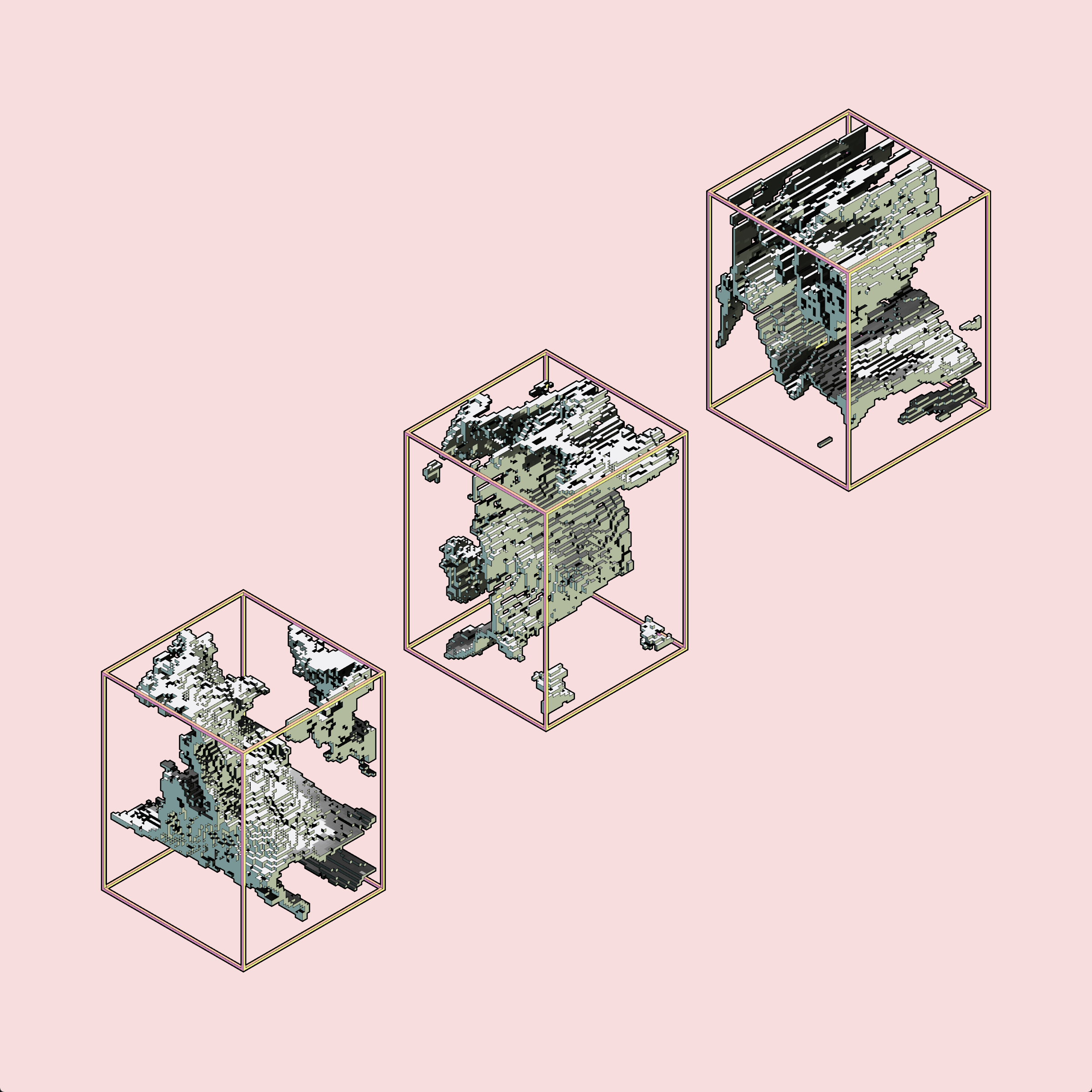
The isoverse manifests although we might not always see.
Desktop controls
Navigation
- Arrow keys,’+’, ‘-‘: navigate through your Ambifeuille
- ‘a’: zoom in
- ‘q’: zoom out
- ‘r’: recenter on origin and reset zoom
- ‘c’: jump to next inclusion
Structure
- ‘0’ to ‘9’: toggle layer visibility
- ‘g’ : section along left-right axis
- ‘h’: section along front-back axis
Image
- ‘f’: change frame mode
- ‘o’: change outline mode
- ‘b’: change background mode
- ‘p’: change perspective mode
- ‘x’: draw hidden layers
- ‘s’: save image
Touch and mouse controls
Navigation
Left side, top to bottom:
- zoom
- move, 6 directions
- reset
- jump to next inclusion
Structure and image
Right side
- layer visibility toggle
Left side, bottom to top
- toggle hidden layers
- frame mode, in HUD-less mode clicking anywhere changes to the next frame mode
- perspective mode
- background mode
- outline mode
- section mode: none, left-right, top-bottom, both
Fullscreen: https://winterbloed.be/constructs/iso-ambifeuille/